
"Quick Wildlife Photo Edits: Master Photoshop Techniques Fast and Easy"
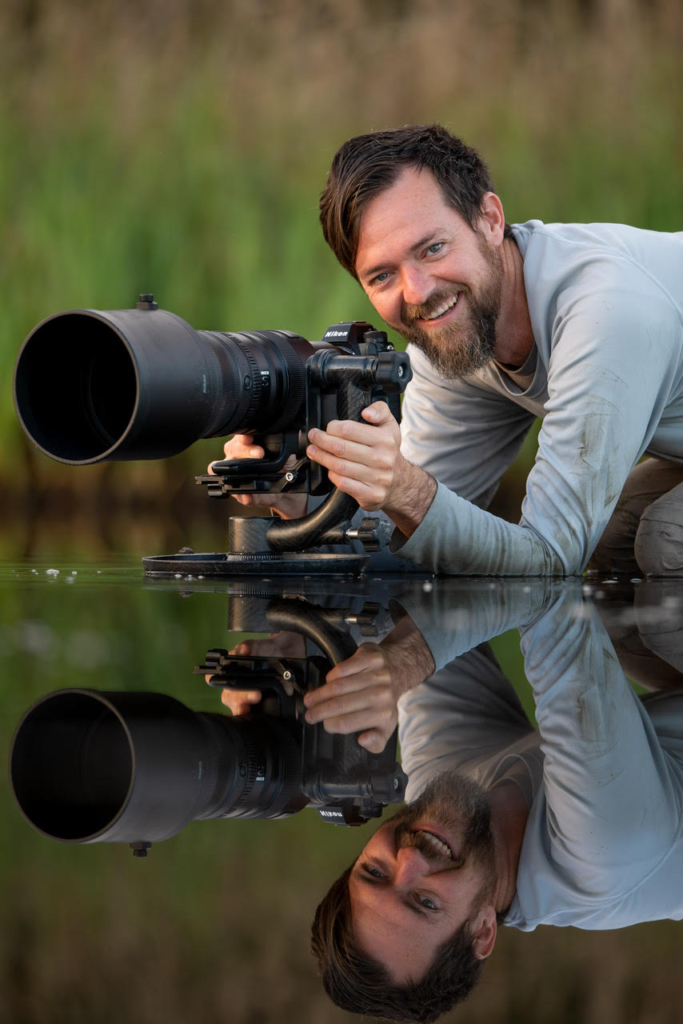
- Ray Hennessy
- Thursday, November 20, 2025 8:00 pm EST
Wildlife photographers often hit a frustrating wall in post-processing.
Your RAW files look promising, the light is good, the subject is sharp… but the final image still feels flat or unfinished. Lightroom gets you part of the way there, yet some edits demand more control than its tools can offer.
That’s why Adobe Photoshop Certified Expert Ray Hennessy led a live training session showing how to bring out detail, color, and structure in wildlife photos using a fast, efficient Photoshop workflow. Ray has used Photoshop for more than 25 years and has spent the last 15 refining an editing system built specifically for wildlife photography.
This training focuses on practical steps you can use right away — even if Lightroom is your main editor.
What You’ll Learn in the Training
This session walks you through how Photoshop and Camera Raw work together to give wildlife photographers better control, cleaner selections, and more natural results.
Below are the core skills Ray demonstrated.
1. Why Lightroom Users Should Still Use Photoshop
Many photographers rely on Lightroom for most edits, and for good reason. But Ray showed where Photoshop fills the gaps.
- Lightroom masking often struggles with thin details like feathers and fur
- Photoshop’s AI masking pulls cleaner edges and handles complex shapes better
- Brush strokes in Photoshop respond instantly, without the lag common in Lightroom
- Local refinements are easier to control with layers, curves, and blending options
- Most Adobe plans include both Lightroom and Photoshop, so photographers likely already have access
2. How to Use Camera Raw for Strong Starting Points
Ray demonstrated how Camera Raw mirrors Lightroom’s Develop module but can be used inside Photoshop for a smoother workflow.
- Raise shadows carefully to avoid noise buildup
- Use the Blacks and Whites sliders to guide contrast
- Keep adjustments moderate in Camera Raw so you still have room in Photoshop
- Understand how Camera Raw fits into a layered editing workflow
- Combine global adjustments with targeted refinements later in Photoshop
3. Precision Masking for Wildlife Subjects
Masking was one of the most discussed topics, with many attendees wanting clearer selections for birds, mammals, and fine details.
- Use Select Subject for fast starting points
- Invert masks to target backgrounds
- Refine edges around feathers, whiskers, and fur
- Combine masking with curves for dodging and burning
- Paint light and shadow to guide the viewer’s eye
4. Dodging, Burning, and Shaping Light
Shaping light was a major focus, and Ray showed how this step adds depth and realism.
- Paint light onto your subject to separate it from the background
- Add controlled shadow to areas that need subtle darkening
- Use curve layers for non-destructive dodging and burning
- Build multiple micro-adjustments instead of heavy global edits
- Keep the image looking natural and avoid over-editing
5. Workflow Tips to Move Faster
Ray’s workflow is designed to be efficient.
- Work from broad adjustments to narrow refinements
- Use curves layers instead of multiple local brushes
- Keep Photoshop layers organized so edits remain flexible
- Make selective adjustments with faster, more responsive brushes
- Use Camera Raw inside Photoshop for mid-workflow corrections
Who This Training Is For
This session is ideal for:
- Wildlife photographers who edit mostly in Lightroom but want finer control
- Photographers struggling with masking feather, fur, or edge detail
- Anyone who feels their images look good but not great after editing
- Intermediate editors who want a faster, more structured workflow
- Beginners curious about what Photoshop can do before diving deeper
Real Feedback From Attendees
“This is amazing! I will rewatch the recording and pause as needed.”
— Angela Johnson
“Great class. I’m a beginner and could follow but will need much more practice.”
— Dghioto
“That has been the best info so far regarding use of curves”
— Brandie Kretzschmar
“Huge difference and I can see how this is a massive time saver!”
— Karen
“Amazing presentation showing what is possible in PS.”
— Thressa
About the Presenter
Ray Hennessy is a full-time wildlife photographer and photo educator based in the United States. He has used Photoshop for more than 25 years and became an Adobe Photoshop Certified Expert early in his career. For the last 15 years, he has focused on wildlife photography with a clean, detail-driven style built around strong light, accurate color, and thoughtful post-processing.
Since 2020, Ray has lived on the road in his van, traveling across the United States and Canada to photograph wildlife and teach photographers worldwide. His work blends technical control with practical field knowledge, and he has guided students at many skill levels through both live and online training.
Want to Learn Ray’s Full Workflow?
Ray created a complete Photoshop course for wildlife photographers. It breaks every technique into short lessons, shows each adjustment in real time, and gives you the RAW files so you can practice at your own pace.
If you want cleaner masks, better control over light, and a faster editing workflow, you can start the course here:
https://journalofwildlifephotography.com/ray/
How to Watch This Training:
This event is exclusive to members of the Journal of Wildlife Photography.
Not a member yet?
- Select a membership below and join today to unlock access to this event and so much more.
- After subscribing, the link to this event and all others will be available on your members dashboard.
We look forward to seeing you there and being a part of your wildlife photography journey.
Choose a Membership Below
LIFETIME
$397.00 (SAVE $159)
Membership Details
- 10 free contest entries per month included for life.
- Lifetime access to live monthly photo critiques of contest winners and runners-up.
- Lifetime access to ALL back issues of the Journal, video library, and in-depth articles.
- Lifetime access to live monthly trainings + all past trainings.
- Lifetime access to the "Facebook-like" social media community.
- 15% OFF all future full-price purchases
- 10 free contest entries per month included for life.
- Lifetime access to live monthly photo critiques of contest winners and runners-up.
- Lifetime access to ALL back issues of the Journal, video library, and in-depth articles.
- Lifetime access to live monthly trainings + all past trainings.
- Lifetime access to the "Facebook-like" social media community.
- 15% OFF all future full-price purchases
ANNUAL PLUS+
$197.00 (SAVE $79)
Membership Details
- 5 free contest entries per month included for one year.
- Access to live monthly photo critiques of contest winners and runners-up.
- Instant access to ALL back issues of the Journal, video library, and in-depth articles.
- Access to live monthly trainings + all past trainings.
- Access to the "Facebook-like" social media community.
- 5 free contest entries per month included for one year.
- Access to live monthly photo critiques of contest winners and runners-up.
- Instant access to ALL back issues of the Journal, video library, and in-depth articles.
- Access to live monthly trainings + all past trainings.
- Access to the "Facebook-like" social media community.
LABOR DAY SALE! SAVE $100
LIFETIME
$397.00
Membership Details
- 10 free contest entries per month included for life.
- Lifetime access to live monthly photo critiques of contest winners and runners-up.
- Lifetime access to ALL back issues of the Journal, video library, and in-depth articles.
- Lifetime access to live monthly trainings + all past trainings.
- Lifetime access to the "Facebook-like" social media community.
- 15% OFF all future full-price purchases
- 10 free contest entries per month included for life.
- Lifetime access to live monthly photo critiques of contest winners and runners-up.
- Lifetime access to ALL back issues of the Journal, video library, and in-depth articles.
- Lifetime access to live monthly trainings + all past trainings.
- Lifetime access to the "Facebook-like" social media community.
- 15% OFF all future full-price purchases
LABOR DAY SALE! SAVE $50
ANNUAL PLUS+
Membership Details
- 5 free contest entries per month included for one year.
- Access to live monthly photo critiques of contest winners and runners-up.
- Instant access to ALL back issues of the Journal, video library, and in-depth articles.
- Access to live monthly trainings + all past trainings.
- Access to the "Facebook-like" social media community.
- 5 free contest entries per month included for one year.
- Access to live monthly photo critiques of contest winners and runners-up.
- Instant access to ALL back issues of the Journal, video library, and in-depth articles.
- Access to live monthly trainings + all past trainings.
- Access to the "Facebook-like" social media community.
MONTHLY
Cancel Anytime
Membership Details
- 1 free contest entries per month.
- Access to live monthly photo critiques of contest winners and runners-up.
- Instant access to ALL back issues of the Journal, video library, and in-depth articles.
- Access to live monthly trainings + all past trainings.
- Access to the "Facebook-like" social media community.
- 1 free contest entry per month.
- Access to live monthly photo critiques of contest winners and runners-up.
- Instant access to ALL back issues of the Journal, video library, and in-depth articles.
- Access to live monthly trainings + all past trainings.
- Access to the "Facebook-like" social media community.
Join Today and You’ll Also Receive These Bonuses!
BONUS #1:
Monthly Live Webinar Trainings
Learn from Award-Winning Photographers in our Live Monthly Trainings.
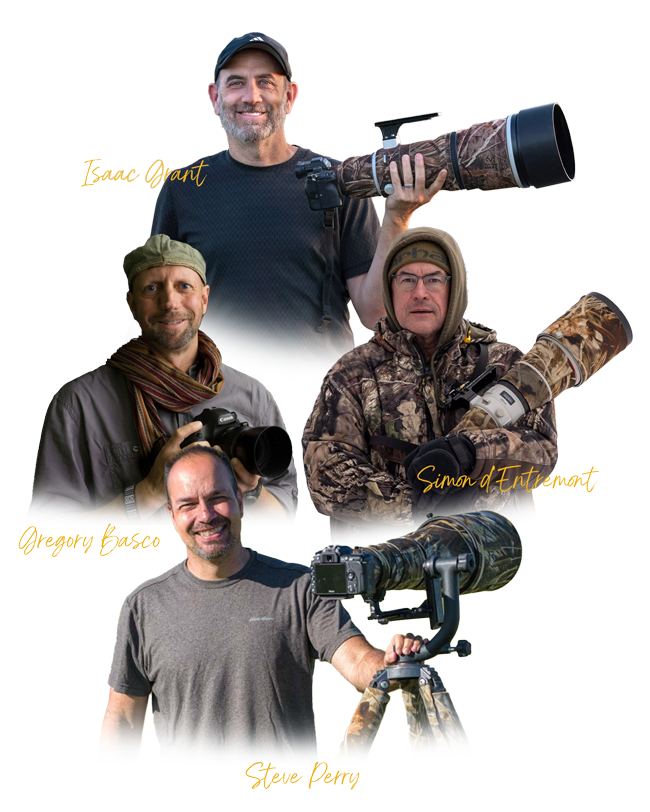
As a member, you’ll get free monthly 90-minute trainings by award-winning professional wildlife photographers like Simon d’Entremount, Isaac Grant, Greg Basco and many more who dive deep into both beginner and intermediate topics. Directly following the trainings, the speaker will open up the floor for 30-minutes of Q&A. You’ll get instant access to all new and past trainings with your membership.
(Value $197.00/month)
Today: Included FREE
BONUS #2:
Monthly Live Photo Contest Image Critiques
Learn how to improve your photo contest entries.
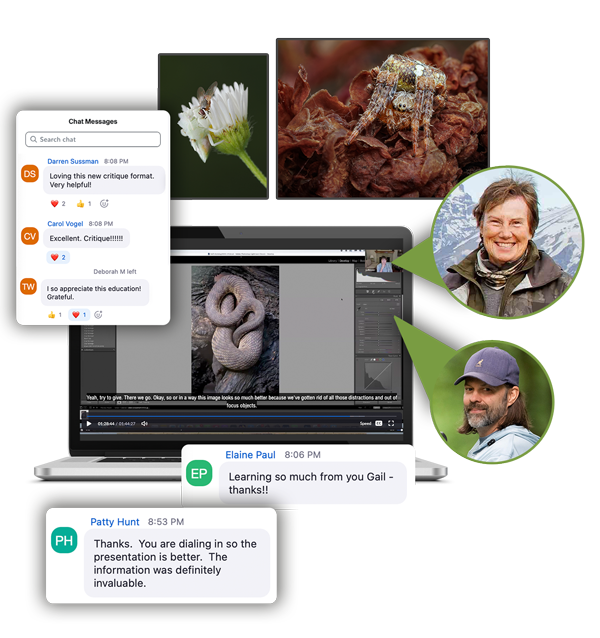
We’ll choose 4 to 5 non-winning photos and provide detailed insights on how they could be improved and possibly win next time. Directly following the critique, we will open up the floor for 15-minutes of Q&A. You’ll get instant access to all new and past critiques with your membership.
(Value $197.00/month)
Today: Included FREE
BONUS #3:
Digital Magazine
Workshop-Level Education in an Easy-to-Read Quarterly Publication.
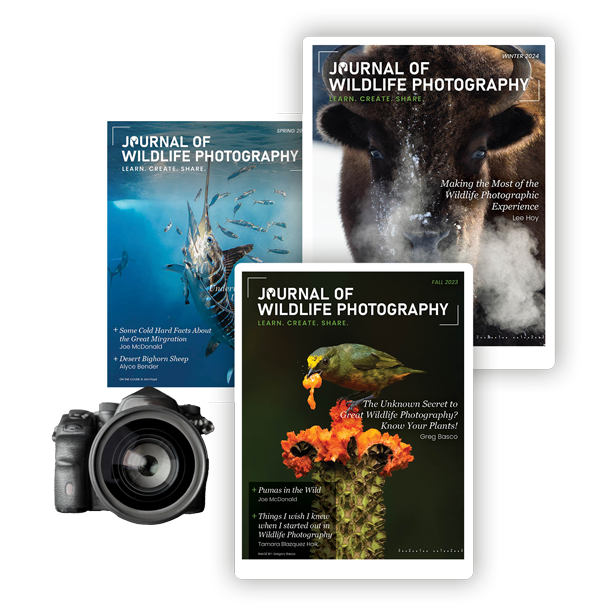
In 2019, the Journal of Wildlife Photography was created to bring wildlife photographers workshop-level training into the pages of a digital publication. With columns on conservation, macro photography, bird photography, animal behavior and habitats, underwater photography, DSLR and Mirrorless Autofocus systems, light and composition, and so much more.
(Value $97.00/year)
Today: Included FREE
BONUS #4:
Social Community
Share Your Photos and Get “Real-Time” Feedback From Our Private Online Community.
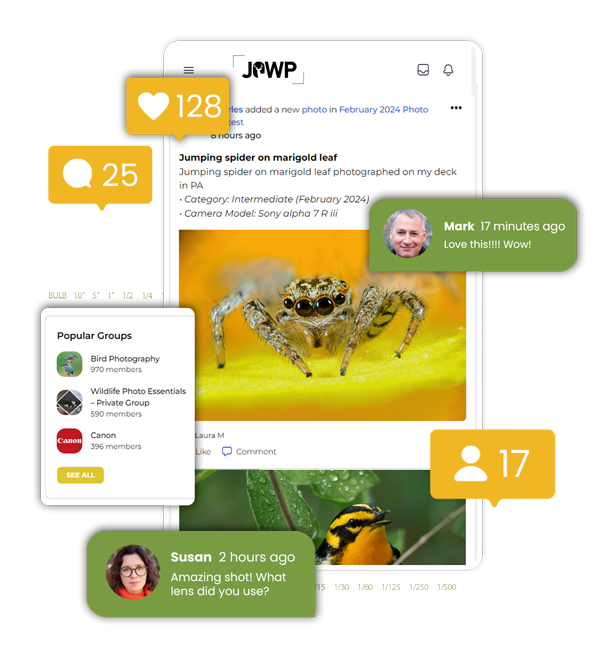
Connect with other wildlife photographers, share your photos, and learn from award-winning professionals through live virtual workshops, training, and seminars. Receive personalized feedback from your peers and get valuable insights from image critiques by working professionals.
(Value $97.00/year)
Today: Included FREE
BONUS #5:
Article Library
In-depth Articles on Wildlife Ecology, Shooting Tips, Field Techniques, and More.
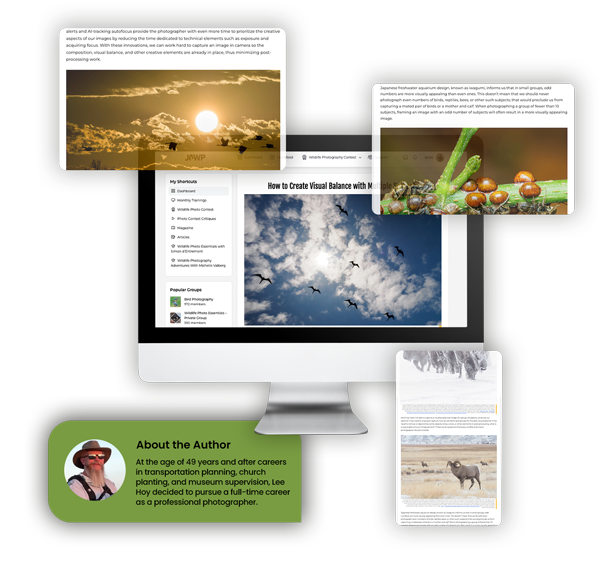
Explore topics such as animal behavior, habitat management, outdoor photography, and shooting skills, among others. Each article is carefully researched and written in an engaging style, making it easy to follow and understand. You’ll get instant access to all new and past articles with your membership.
(Value $97.00/year)
Today: Included FREE
BONUS #6:
Monthly Photo Contests
Every month, JOWP hosts themed photo contests with cash prizes of $500.
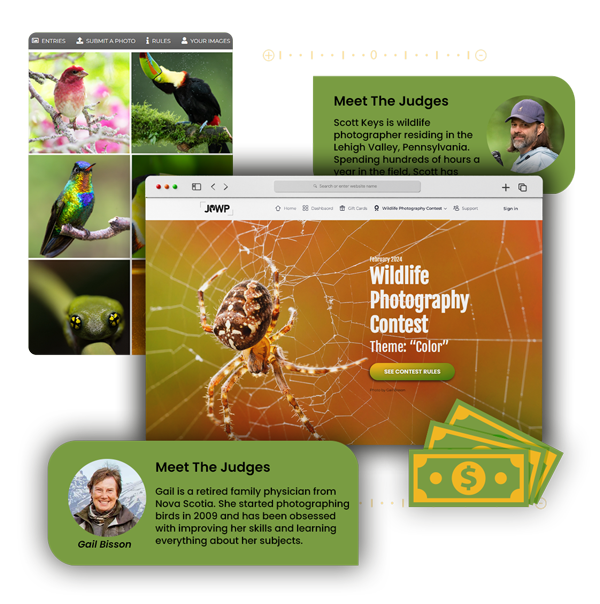
(Value $120.00/year)
Today: Included FREE
Choose a Membership Below
LIFETIME
$397.00 (SAVE $159)
Membership Details
- 10 free contest entries per month included for life.
- Lifetime access to live monthly photo critiques of contest winners and runners-up.
- Lifetime access to ALL back issues of the Journal, video library, and in-depth articles.
- Lifetime access to live monthly trainings + all past trainings.
- Lifetime access to the "Facebook-like" social media community.
- 15% OFF all future full-price purchases
- 10 free contest entries per month included for life.
- Lifetime access to live monthly photo critiques of contest winners and runners-up.
- Lifetime access to ALL back issues of the Journal, video library, and in-depth articles.
- Lifetime access to live monthly trainings + all past trainings.
- Lifetime access to the "Facebook-like" social media community.
- 15% OFF all future full-price purchases
ANNUAL PLUS+
$197.00 (SAVE $79)
Membership Details
- 5 free contest entries per month included for one year.
- Access to live monthly photo critiques of contest winners and runners-up.
- Instant access to ALL back issues of the Journal, video library, and in-depth articles.
- Access to live monthly trainings + all past trainings.
- Access to the "Facebook-like" social media community.
- 5 free contest entries per month included for one year.
- Access to live monthly photo critiques of contest winners and runners-up.
- Instant access to ALL back issues of the Journal, video library, and in-depth articles.
- Access to live monthly trainings + all past trainings.
- Access to the "Facebook-like" social media community.
LABOR DAY SALE! SAVE $100
LIFETIME
$397.00
Membership Details
- 10 free contest entries per month included for life.
- Lifetime access to live monthly photo critiques of contest winners and runners-up.
- Lifetime access to ALL back issues of the Journal, video library, and in-depth articles.
- Lifetime access to live monthly trainings + all past trainings.
- Lifetime access to the "Facebook-like" social media community.
- 15% OFF all future full-price purchases
- 10 free contest entries per month included for life.
- Lifetime access to live monthly photo critiques of contest winners and runners-up.
- Lifetime access to ALL back issues of the Journal, video library, and in-depth articles.
- Lifetime access to live monthly trainings + all past trainings.
- Lifetime access to the "Facebook-like" social media community.
- 15% OFF all future full-price purchases
LABOR DAY SALE! SAVE $50
ANNUAL PLUS+
Membership Details
- 5 free contest entries per month included for one year.
- Access to live monthly photo critiques of contest winners and runners-up.
- Instant access to ALL back issues of the Journal, video library, and in-depth articles.
- Access to live monthly trainings + all past trainings.
- Access to the "Facebook-like" social media community.
- 5 free contest entries per month included for one year.
- Access to live monthly photo critiques of contest winners and runners-up.
- Instant access to ALL back issues of the Journal, video library, and in-depth articles.
- Access to live monthly trainings + all past trainings.
- Access to the "Facebook-like" social media community.
MONTHLY
Cancel Anytime
Membership Details
- 1 free contest entries per month.
- Access to live monthly photo critiques of contest winners and runners-up.
- Instant access to ALL back issues of the Journal, video library, and in-depth articles.
- Access to live monthly trainings + all past trainings.
- Access to the "Facebook-like" social media community.
- 1 free contest entry per month.
- Access to live monthly photo critiques of contest winners and runners-up.
- Instant access to ALL back issues of the Journal, video library, and in-depth articles.
- Access to live monthly trainings + all past trainings.
- Access to the "Facebook-like" social media community.